Infrared Frame or Capacitive? Answer These Five Questions
Infrared detects blocked light; capacitive detects your body's charge. Five questions settle which one your project actually needs.

"Which is better?" is the wrong question. Infrared detects blocked light; capacitive detects your body's charge. Five questions settle it.
①Will users wear gloves? Workshops, cold stores, hospitals, winter terminals — infrared. It ignores what is on the finger.
②Is there protective glass? Kiosks and outdoor cabinets usually need 6–10 mm glass. Capacitive sensing weakens sharply as glass thickens; IR beams sit outside the glass, so thickness barely matters. This alone decides most self-service projects.
③How large? Below 32" prices are close; at 65" and above infrared wins overwhelmingly, since capacitive cost climbs with area, infrared with perimeter.
④Indoors or outdoors? Capacitive ignores light but needs costly waterproofing. Infrared seals easily and works with gloves, yet needs genuine anti-light engineering. Outdoors the real question is whether the IR frame is properly specified.
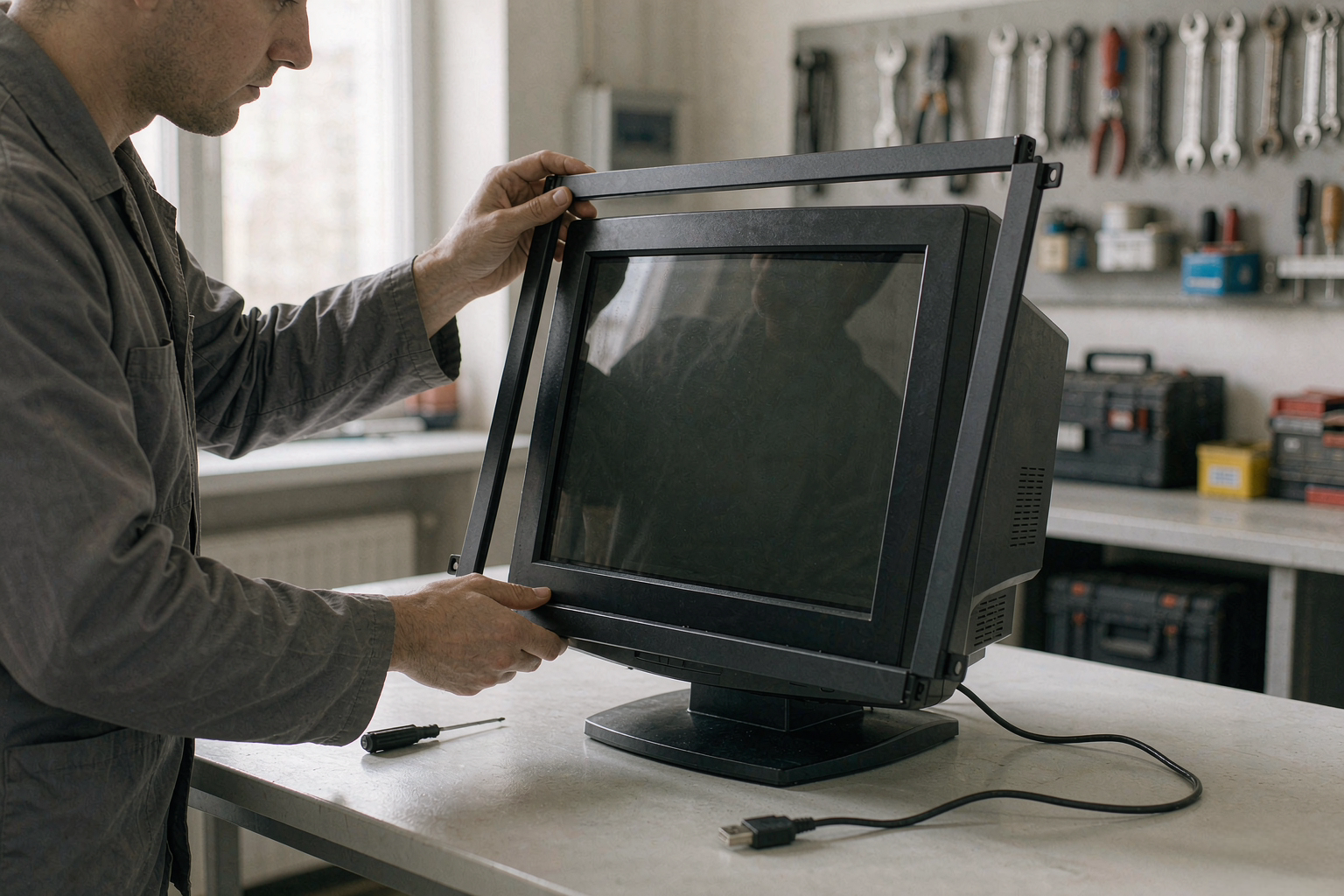
⑤New build or retrofit? Retrofitting means infrared, full stop — nothing else makes a plain display touch-capable without replacing it.
In short: gloves, thick glass, large sizes, retrofit or outdoor exposure — infrared. Ultra-thin, best glide — capacitive. Industrial sites, kiosks and teaching screens usually tick the entire first list at once.